KeyCafe for Americans: Safe Self Check-In Guide
April 15, 2026
KeyCafe for Americans: Safe Self Check-In Guide
Disclaimer: This guide is based on real operational experience with self check-in solutions used in short-term rentals and is not affiliated with or endorsed by Keycafe.
Self check-in has become a common feature in short-term rentals, especially for travellers who prefer flexible and contactless arrivals. From our experience, solutions like Keycafe can help make key collection easier for guests arriving in Paris, particularly when they arrive late or prefer not to coordinate an in-person check-in.
In practice, guests typically receive clear instructions before arrival, collect the keys from a designated pickup point, and access the rental property independently. This guide explains what travellers can expect from the process and shares practical self check-in tips for a smoother arrival.

Table of Contents
What is KeyCafe and how does it work
KeyCafe operates as a cloud-based key management system built around physical SmartBox units. These are electronic key cabinets equipped with touchscreens, Wi-Fi connectivity, and built-in cameras that store keys in individually secured bins. The system allows property hosts to check in their keys at a SmartBox location, whilst guests collect them using a unique access code sent via email or SMS.
KeyCafe locations and availability
American travellers will find KeyCafe maintains SmartBox locations in eight major US cities: Boston, Chicago, Los Angeles, New York, Philadelphia, San Diego, San Francisco, and Seattle. The network extends beyond the United States and operates in over 40 cities worldwide. You'll find locations in Canada (Toronto, Vancouver, Victoria), the United Kingdom (London), and France (Paris, Lyon, Marseille).
Many SmartBox locations offer 24-hour access. Operating hours vary by site. Holiday schedules may affect these hours, so checking specific location availability before your arrival date prevents access issues. Your KeyCafe account isn't tied to a particular location. You can collect keys from any public SmartBox, even if you move between cities during your trip.
The key collection process
From our experience, guests typically receive an access code by email or SMS before arrival. In practice, this code is used to collect the apartment keys from the assigned pickup point.
At the SmartBox location, guests usually start by touching the screen, selecting the key pickup option, and entering the access code. In some cases, an additional SMS verification code may be requested before the key compartment opens.
Once the keys are collected, guests should close the compartment door firmly and avoid placing anything back inside. The keys should be kept with them until checkout.
Returning keys after your stay
The return process mirrors the collection experience but requires an additional step. Go to the same SmartBox location where you collected the keys. Touch the screen and select "Key Drop Off".
Enter your access code when prompted. Scan the Keycafe fob attached to your keys on the scan area of the SmartBox, which is typically located on the right side of the unit. You'll hear a beep sound, followed by a key bin door opening. Place your keys inside the open bin and close the door firmly.
The system logs your key return and sends notification to your host that the keys have been safely deposited. This completion step ensures the keys become available for the next guest's pickup and keeps the self check-in Airbnb system flowing.
Is self check-in safe for travellers

Security depends on both the system used and how the host manages it.
From operational experience, most modern self check-in systems include:
- individual locked compartments
- time-based access codes
- activity tracking (pickup and return logs)
- monitored physical locations
However, it is important to understand that these systems are designed for short-term rental guest access, not enterprise-level access control.
The overall safety of the experience depends just as much on:
- location of the pickup point
- clarity of instructions
- responsiveness of the host
Step-by-step guide to using KeyCafe for self check-in
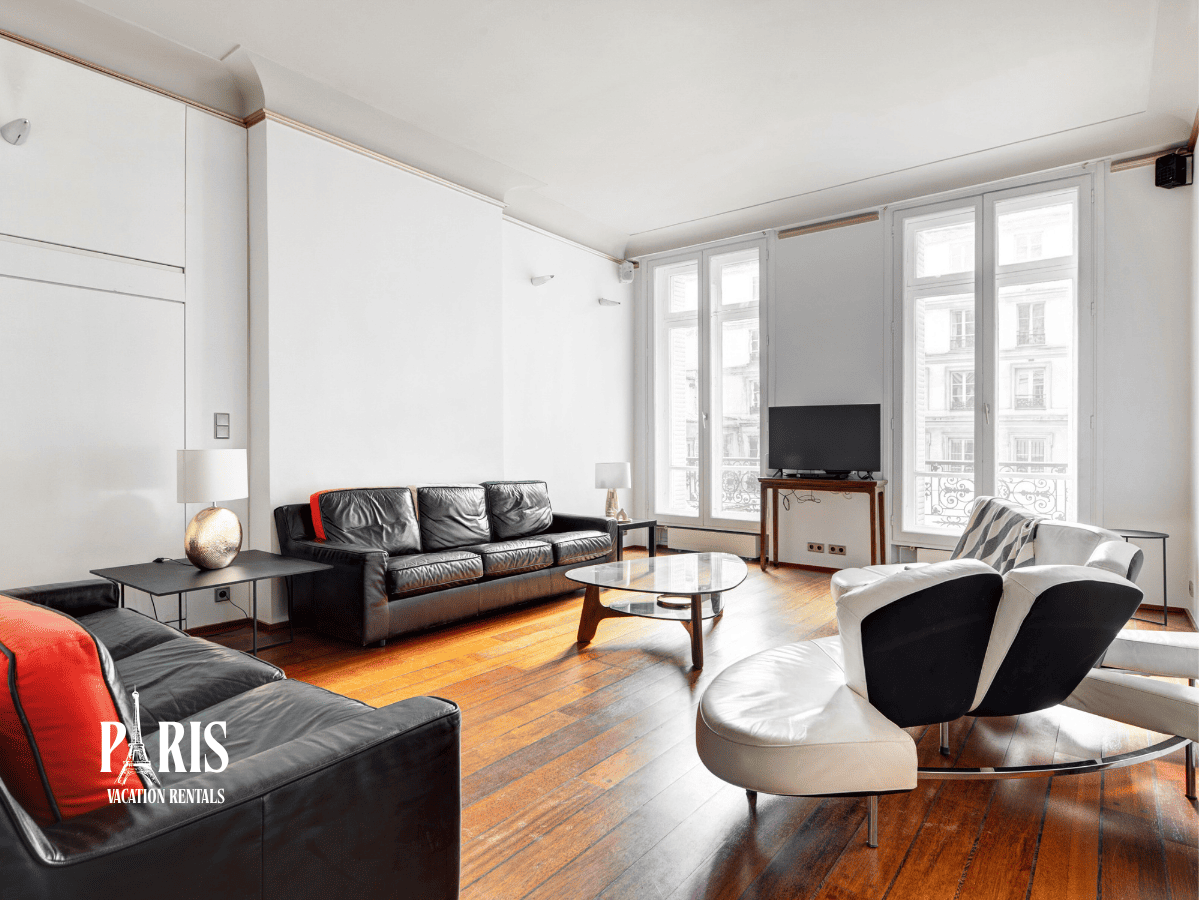
Your first KeyCafe self check-in involves five distinct phases. Each builds on the previous step to create a continuous arrival experience at your rental property.
Get your access code
From our experience, guests usually receive a booking code by email or SMS before arrival, along with the pickup and drop-off instructions. It is best to save this code immediately, as it will be needed at the SmartBox location.
In practice, some guests may also choose to use the mobile app for easier access to location details, directions, and support options. However, the most important step is to keep the access code and instructions available offline before travelling.
Locate your KeyCafe spot

The booking message has a URL link to view your SmartBox location. Select "Go to Key Pickup Location" from the bookings page to see the exact address and operating hours. The mobile app displays detailed information about nearby SmartBox locations for more precise navigation, with directions and key bin availability.
Select a KeyCafe pin on the map to view the location name. The arrow icon beside the location name reveals the address and opening hours. You'll also see current bin availability and specific instructions for locating the SmartBox within the building. Select "Show directions" to view the best route from your current position.
Pick up your keys

Touch the screen to begin the process at the SmartBox location. Select "Key Pickup" when prompted and enter your booking code. You may receive a 4-digit SMS code to your mobile number that must be entered into the SmartBox for additional security.
Select the name of your keys from the displayed options and press "Pick Up". The designated key bin opens and grants access to your property keys. Remove the keys and close the bin door firmly. Don't place anything back into the bin at this stage, not even the keys you just collected.
Get into your rental property
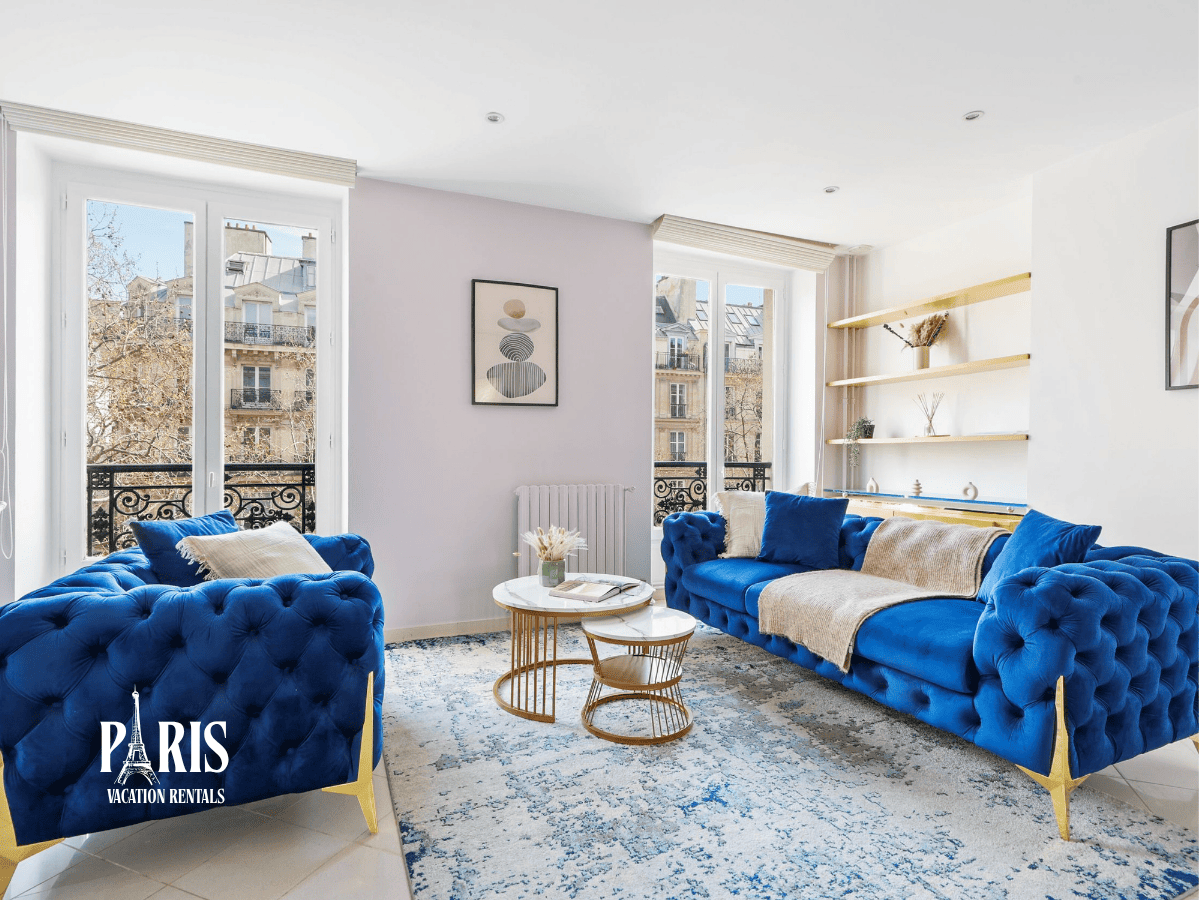
Proceed to your rental property after collecting your keys from the SmartBox. The keys function like traditional key handovers. Your host may have included a welcome note that you can access through the mobile app by selecting "Welcome Note" from the step-by-step instructions page.
Drop off keys at checkout
From our experience, guests typically return the keys to the same pickup location at the end of their stay.
In practice, the process usually involves following the on-screen instructions, entering the same access code, and placing the keys back into the assigned compartment. Guests should make sure the compartment is properly closed after returning the keys to complete the process.
Common challenges and how to solve them

Problems during KeyCafe self check-in occur nowhere near as frequently as smooth transactions, but you save time and stress when you know how to resolve issues.
Access code not working
Your code might be correct but the SmartBox still won't accept it. You need to contact your host without delay and confirm they've activated your booking in the system. Timing matters here because bookings sometimes need manual approval before access codes become valid.
Location is closed or difficult to find
Holiday schedules may affect opening hours at KeyCafe locations. You should contact the location and confirm their hours before travelling, especially around public holidays. You might arrive and not see a SmartBox on the locations map but spot one on the wall. That location is either unavailable or someone owns it. You need to select a different public SmartBox from the map instead. American travellers navigating self check-in Paris rental properties or unfamiliar cities should save the exact address and review location-specific instructions in your booking email beforehand.
Keys not available in the box

This can happen for practical reasons during the key pickup process. In practice, the safest step is to contact the host or support team as soon as the keys do not appear to be available.
From our experience, guests should avoid trying to resolve the issue themselves at the pickup point. The host or support team can check the situation and provide the next instructions.
Technical issues
The SmartBox screen might freeze because the device has lost its cellular connection. Poor signal at the location causes this to freeze. SmartBoxes that go offline due to power outages or network issues still let you retrieve keys using offline codes. Large key sets or fobs push against the door from inside and jam bin doors. You should press on the door whilst unlocking to release it. A bin that is empty and won't open needs lubricant applied to the hinge and solenoid areas.
Self check-in tips for American travellers
Preparation makes a major difference when using self check-in in an unfamiliar city. From our experience, guests arriving at Paris Vacation Rentals apartments in Paris and London value clear instructions, simple key collection, and the flexibility to arrive without coordinating an in-person meeting.
In practice, guests typically find the process easier when they save the pickup details in advance, check the location before travelling, and keep their access code available offline. This helps make arrival smoother, especially for international travellers visiting a new city.
Plan ahead and save location details
Click the URL link in your access email or SMS message to view the SmartBox location beforehand. Select "Go to Key Pickup Location" from the bookings page to see the exact address and operating hours. Save these details offline on your phone or write them down. A registered KeyCafe account gives you access to information including directions and key bin availability. Review any location-specific instructions included in your booking email, especially helpful when you have self check-in Paris rental Americans or other international destinations.
Keep your access code secure
Your booking code functions as a one-time use credential that expires at the end of your booking period. Don't share it with anyone outside your travel party. Property administrators can change or revoke access codes, so treat yours like a physical key. Screenshot the code rather than relying solely on email access, especially when travelling internationally with limited data.
Arrive during operating hours
Many locations offer 24-hour access, but holidays may affect opening hours. Confirm their schedule before travelling by contacting the location. Check the opening hours posted on the locations page or mobile app.
Have backup contact information
KeyCafe maintains 24/7 support teams available via phone, email, or chat in multiple languages. Save this contact information before arrival with your host's details to get immediate assistance if needed.
Key Takeaways
KeyCafe offers American travellers a secure, contactless self check-in solution that's transforming how we access rental properties worldwide.
- KeyCafe operates in 8 major US cities and 40+ global locations with 24/7 access at most SmartBox site
- Success requires planning ahead: save your access code, location details, and operating hours offline before arrival
- Common issues like frozen screens or missing keys can be resolved through 24/7 multilingual support teams
- The process is straightforward: receive code → find SmartBox → collect keys → return after stay
With 86% of travellers now preferring contactless check-in options, KeyCafe bridges the gap between security and convenience, making autonomous arrivals accessible whether you're exploring Paris rentals or domestic destinations across America.
FAQs
How does KeyCafe self check-in work?
You receive a unique code from your host, enter it at the SmartBox touchscreen, collect your keys, and return them to the same location at checkout.
Is KeyCafe secure?
Yes.
Where are KeyCafe locations in the US?
Eight cities: Boston, Chicago, Los Angeles, New York, Philadelphia, San Diego, San Francisco, and Seattle. Most run 24/7 — check your specific location before arrival.
What if my access code isn't working?
Double-check the code, then contact your host to confirm the booking is activated. For technical issues, KeyCafe's 24/7 support team can help remotely.
Can I use KeyCafe at different locations during my trip?
Yes — your account works at any SmartBox globally, making it ideal for multi-city trips.